Pools and Basements in Blueprint
Swimable water settings, basement volumes, and creative river builds.
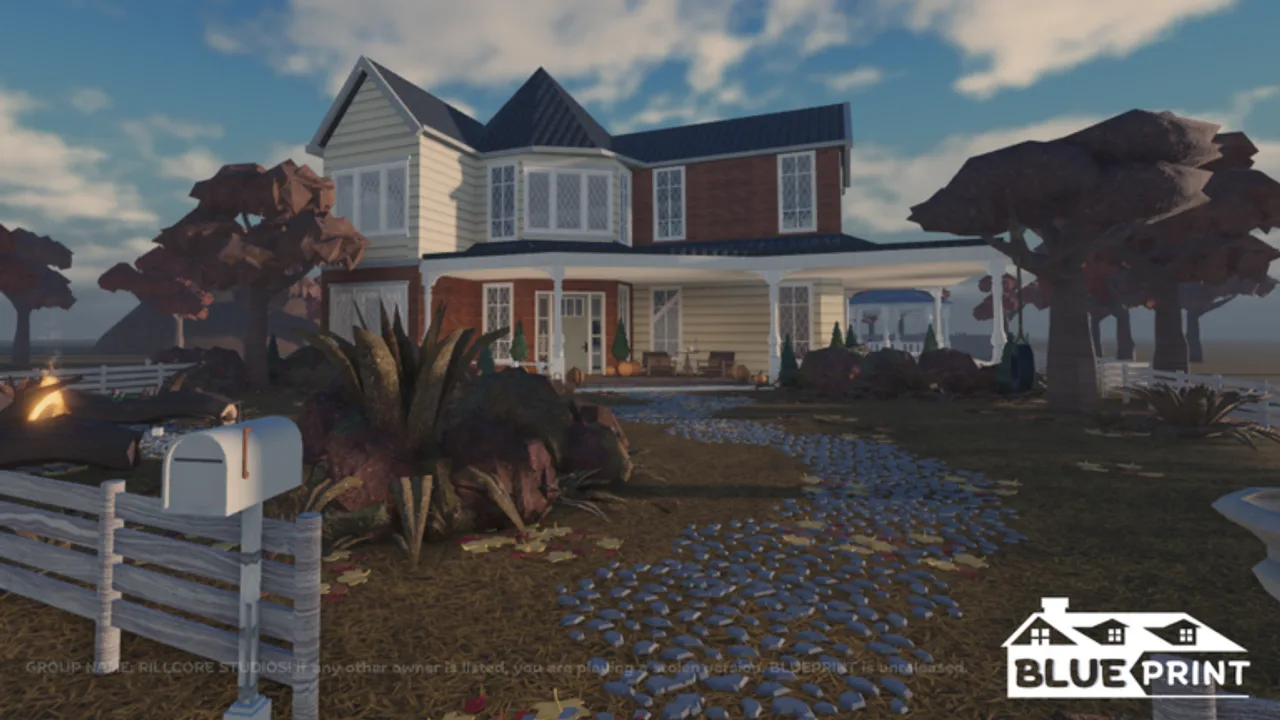
Pools and basements are Blueprint’s depth tools: they carve downward, hold space, and—when water is involved—let players swim through custom volumes. This guide explains how the pool and basement workflows fit together, which water settings matter (depth, color, transparency, wave speed and size), how to color pool walls, and how to push the same tech into rivers, canals, and landscape storytelling. Ground yourself with Building Basics and Controls first, keep roofs coordinated via Roofs and Floors, and finish edges with Furniture and Decals. New players can skim Getting Started before digging under the plot.
Shared idea: volumes under the shell
Basements and pools share a mental model. You are placing a controllable volume that interacts with the floors above. Basements emphasize walkable underground rooms; pools emphasize water you can swim in, with tunable visuals. Riley added pools in response to basement questions—the tools are cousins on purpose.
Before you cut down:
- Lock the ground-floor plate so openings to stairs or pool decks stay aligned.
- Multi-select save the surface landscaping you might disturb.
- Decide whether the volume is primarily habitable space, water feature, or both (sunken lounge beside a pool ledge).
- Walk the area with B closed after every major depth change.
On a 1024×1024 plot it is easy to dig a canyon you never use. Start smaller than your ambition.
Basements: underground rooms that feel intentional
Treat basements as architecture, not leftover pits.
- Plan stair or ramp entry before filling the void with décor.
- Keep ceiling height honest for avatar movement; freecam helps, but walking confirms.
- Continue grid modules from the floors above so columns and walls stack logically.
- Use lighting toggles—realistic vs soft atmosphere—to judge whether the basement feels cozy or murky.
- Leave service zones (storage, utility fiction) if the rest of the house is ornate; contrast sells depth.
Basements also support gameplay social moments: hide-and-seek corners, theater pits, or co-op build labs where friends with plot permissions can experiment without wrecking the street facade.
Pools: water that plays like a tool
Blueprint pools are not a single preset rectangle. You can shape volumes and then tune:
- Depth — from standable wading shelves to deep swim sections
- Color — match brand palettes or biome moods
- Transparency — crystal display water vs murky lagoon reads
- Wave speed and size — calm spa energy vs lively outdoor motion
- Pool wall color — the shell matters as much as the water shader
Because you can swim in the water, test as a player, not only as a builder. Press B, dive the deep end, walk the shelf, and confirm ladders or deck edges feel fair.
Depth strategy
Split depth on purpose:
- Shallow apron for furniture and AFK standing
- Mid depth for casual swimming screenshots
- Deep pocket for drama under a diving ledge or cliff house
Abrupt cliffs inside a tiny yard pool look accidental. Use stepped depths when the footprint is small; save sheer drops for large landscape features.
Color, transparency, and waves
Dial visuals after the shape is right:
- Bright tropical builds often want clearer water and lively waves
- Night-lit courtyards may prefer deeper color with softer wave size
- Indoor spa basements usually need calmer waves so the room stays readable
Toggle atmosphere lighting while tuning. Soft mode can hide problems that realistic mode reveals—and sometimes the opposite. Pick the lighting mood your screenshots will actually use.
Creative uses beyond “yard pool”
The same water tool can sell entire biomes:
- Running rivers beside a home, with shallow fords and deeper bends
- Canals through a town plot for boat-fiction docks (even if boats are decorative)
- Reflecting ponds that mirror a hollow gable or scillion roof silhouette
- Moats that frame a courtyard without blocking friend traffic if you leave bridges
- Indoor aquarium-like rooms where transparency and wall color do the storytelling
When carving rivers, work in segments. Multi-select save a successful river bay (banks + water settings) and stamp variations downstream so the water language stays consistent across hundreds of studs.
Integrating with floors and roofs
Water and basements change structural needs:
- Keep load-bearing stories clear where upper floors still stack toward the 15-level cap
- Avoid roof drains of complexity directly into unfinished pool voids—sequence shell → roof → water when possible
- Use skylights above indoor pools carefully; glare plus waves can muddy screenshots
- Edge Scroll along long riverbanks instead of constantly recentering the camera
If a pool wall fights a basement room, resolve the shared wall in freecam, then verify by swimming and walking both sides.
Co-op and permissions caution
Friends with edit access can reshape water faster than walls. Before a group session:
- Save the pool volume and basement kit
- Agree who may change depth (it affects swim tests for everyone)
- Keep a “known good” custom save on the deck furniture separately from the water body
Official Blueprint remains free—no money system, no gamepasses. Do not “fix” water bugs by joining paid clones.
Practice project: courtyard pool + cellar
- Build a small rectangular courtyard from Building Basics.
- Cut a basement room under one wing with stair access.
- Place a pool in the courtyard with a shallow shelf and deeper center.
- Color walls and water; set mild waves.
- Freecam, then swim and walk.
- Extend a short river tongue from the pool toward the plot edge using the same water settings.
- Multi-select save the water kit and the basement stair kit separately.
Finish by dressing decks and cellar shelves with Furniture and Decals. For more how-tos, return to the Guides Hub.
Frequently Asked Questions
Quick answers to the most common questions.
Can you swim in Blueprint pools?
Yes. Pool water is swimable. Always press B to leave build mode and test depth, shelves, and access routes with your avatar.
Which pool settings can I change?
Depth, water color, transparency, wave speed and size, plus the color of the pool walls—tune them after the volume shape is locked.
Are pools only for backyard rectangles?
No. The same tools support rivers, canals, ponds, moats, and indoor water rooms when you segment volumes and reuse custom saves.
How do basements relate to pools?
They share a volume mindset under your shell. Basements prioritize walkable rooms; pools prioritize water play. You can combine both in sunken courtyards.
What should I save before editing water with friends?
Store multi-select custom saves of the water body and nearby deck or basement kits before granting broad plot permissions for experiments.